Creating a home workspace that is both cozy and productive can make a significant difference in your daily work routine. Whether you’re working remotely full-time or occasionally tackling tasks from home, having an environment that encourages focus and comfort can boost your efficiency and well-being. This guide offers practical tips to help you design a workspace that suits your needs and feels inviting.
Why a Cozy and Productive Workspace Matters
A space that combines comfort with functionality helps reduce distractions and fatigue. When you feel comfortable, you’re more likely to stay focused and motivated throughout your workday. On the other hand, a cluttered or uncomfortable workspace can lead to stress and decreased productivity. Striking the right balance ensures that you enjoy your work environment and get the most out of your time at home.
Choosing the Right Location
Consider Natural Light
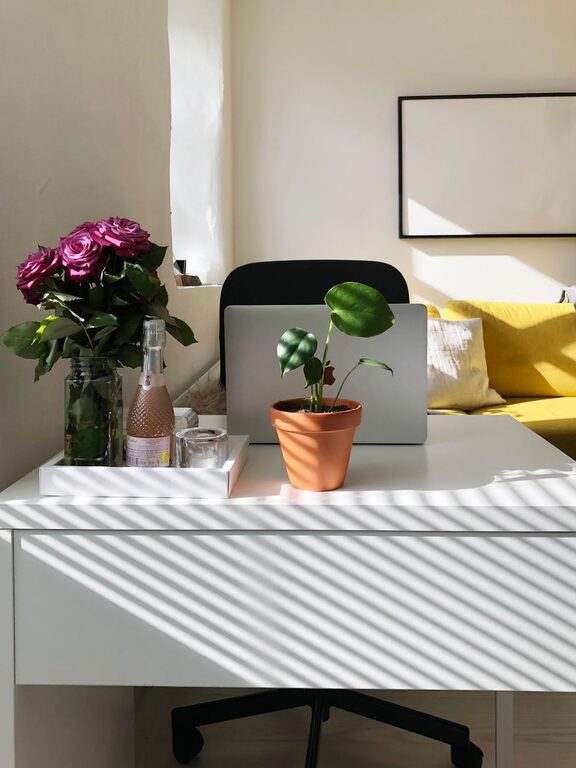
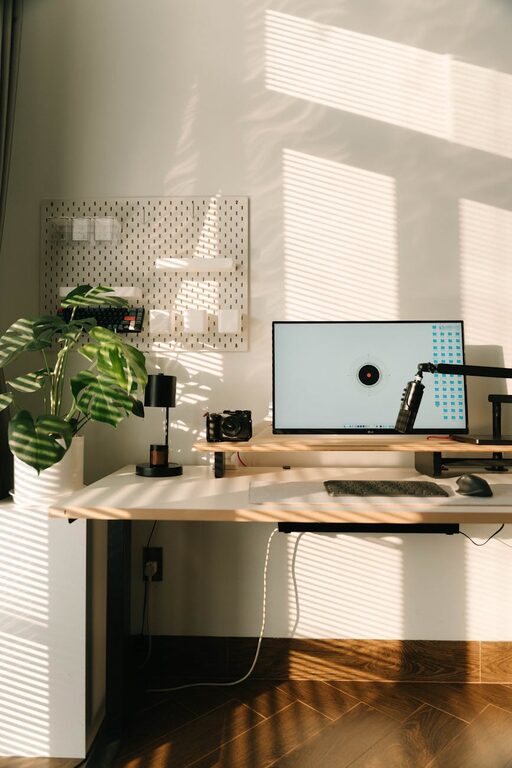
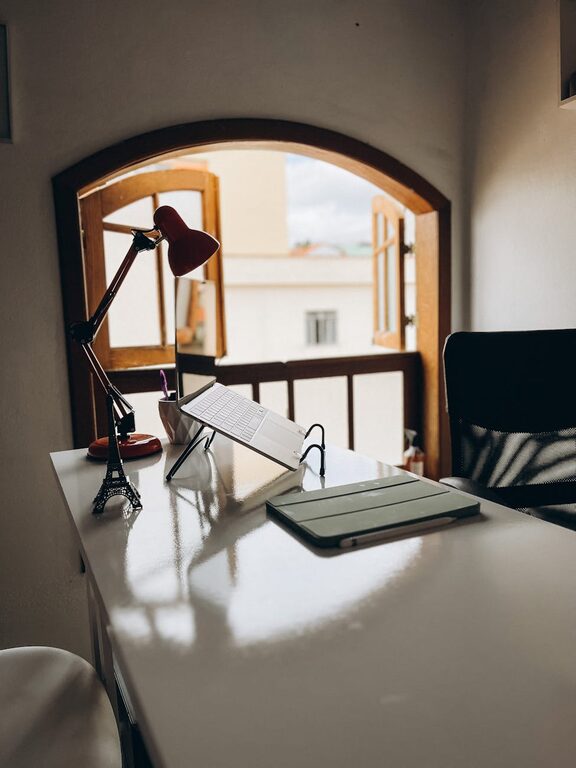
Whenever possible, pick a spot with plenty of natural light. Sunlight can enhance your mood, reduce eye strain, and keep you alert. Position your desk near a window, but avoid direct glare on your screen by using sheer curtains or adjustable blinds.
Minimize Noise and Distractions
Select a quiet corner of your home, away from noisy appliances or high-traffic areas. If this isn’t an option, noise-cancelling headphones or white noise machines can help you maintain focus.
Furniture and Ergonomics
Invest in a Comfortable Chair
A supportive chair is essential for long hours of work. Choose one with adjustable height, lumbar support, and comfortable cushioning. Proper seating helps prevent back and neck pain.
Select a Suitable Desk
Your desk should offer enough space to hold your computer, essential supplies, and any other items you use daily. Consider adjustable or standing desks if you want the flexibility to alternate between sitting and standing.
Maintain Good Posture
Arrange your computer monitor so that the top of the screen is at or slightly below eye level. Keep your feet flat on the floor and your wrists straight when typing — small adjustments can make a big difference in comfort.
Organizing Your Space
Declutter Regularly
A tidy workspace helps clear your mind. Keep only the items you need within reach and store others out of sight. Regularly sorting through papers and supplies reduces clutter.
Use Storage Solutions
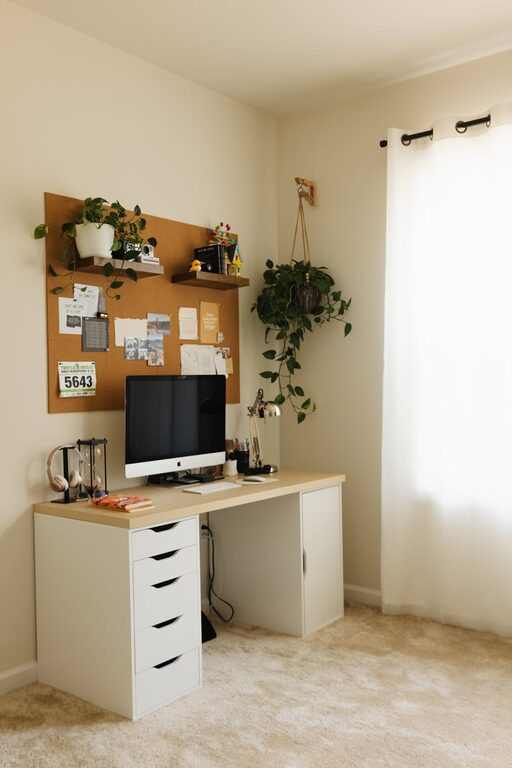
Shelves, filing cabinets, and drawer organizers can keep everything in order. Label containers and files for easy access.
Keep Essential Tools Handy
Pens, notebooks, chargers, and other frequently used items should be easy to reach without overcrowding your desk. Using desk organizers or small trays can help with this.
Personalizing Your Workspace
Add Comfort Elements
Soft cushions, cozy throws, or an area rug can make your workspace inviting. Personal items like framed photos or art can also boost your mood while maintaining a professional feel.
Incorporate Plants
Adding greenery not only brightens the room but can improve air quality and reduce stress. Low-maintenance plants like succulents or pothos are great choices for busy professionals.
Choose Pleasant Colors
Colors impact your mood and productivity. Soft blues and greens tend to have a calming effect, while yellows and oranges can stimulate creativity. Pick colors that suit your work style without overwhelming the space.
Lighting Tips
Layer Your Lighting
Use a combination of ambient, task, and accent lighting. A desk lamp with adjustable brightness helps reduce eye strain during focused tasks, while overhead lights provide general illumination.
Avoid Harsh Fluorescent Lights
Soft, warm LED bulbs create a welcoming atmosphere and put less strain on your eyes.
Staying Comfortable Throughout the Day
Take Breaks
Regularly stepping away from your desk helps prevent burnout. Try the 20-20-20 rule: every 20 minutes, look at something 20 feet away for 20 seconds.
Keep Hydrated and Nourished
Keep a water bottle nearby and snack on healthy foods to maintain energy levels.
Dress Comfortably
Wear clothing that allows you to move freely but matches the level of professionalism required for any virtual meetings.
Technology and Connectivity
Reliable Internet Connection
Ensure your workspace has a strong Wi-Fi signal to avoid disruptions. You might consider positioning your workspace near your router or using a wired connection.
Organize Cables
Use cable management tools like clips or sleeves to keep cords neat and prevent tangling.
Use Quality Equipment
Invest in a good keyboard, mouse, and headphones that suit your work style. Comfortable tools reduce strain and increase efficiency.
Final Thoughts
Designing a cozy and productive home workspace is about creating an environment that supports your work habits and well-being. By carefully selecting your location, paying attention to comfort and organization, and personalizing your space, you can make your home office a place where you look forward to working.
Remember, your home workspace doesn’t have to be perfect from the start — it can evolve as you discover what works best for you. Prioritize comfort and efficiency, and you’ll set yourself up for success wherever you work.